Your subscription decides what you can watch. Your player decides whether watching it is a pleasure or a chore. Two apps dominate this space — TiviMate and IPTV Smarters Pro — and the difference between them is not a list of features so much as a difference in philosophy about what an IPTV app is for.
This comparison is written from the support side of the desk. We do not sell either app and have no affiliate relationship with them; we simply spend a lot of time helping people configure both. What follows is where each one genuinely wins.
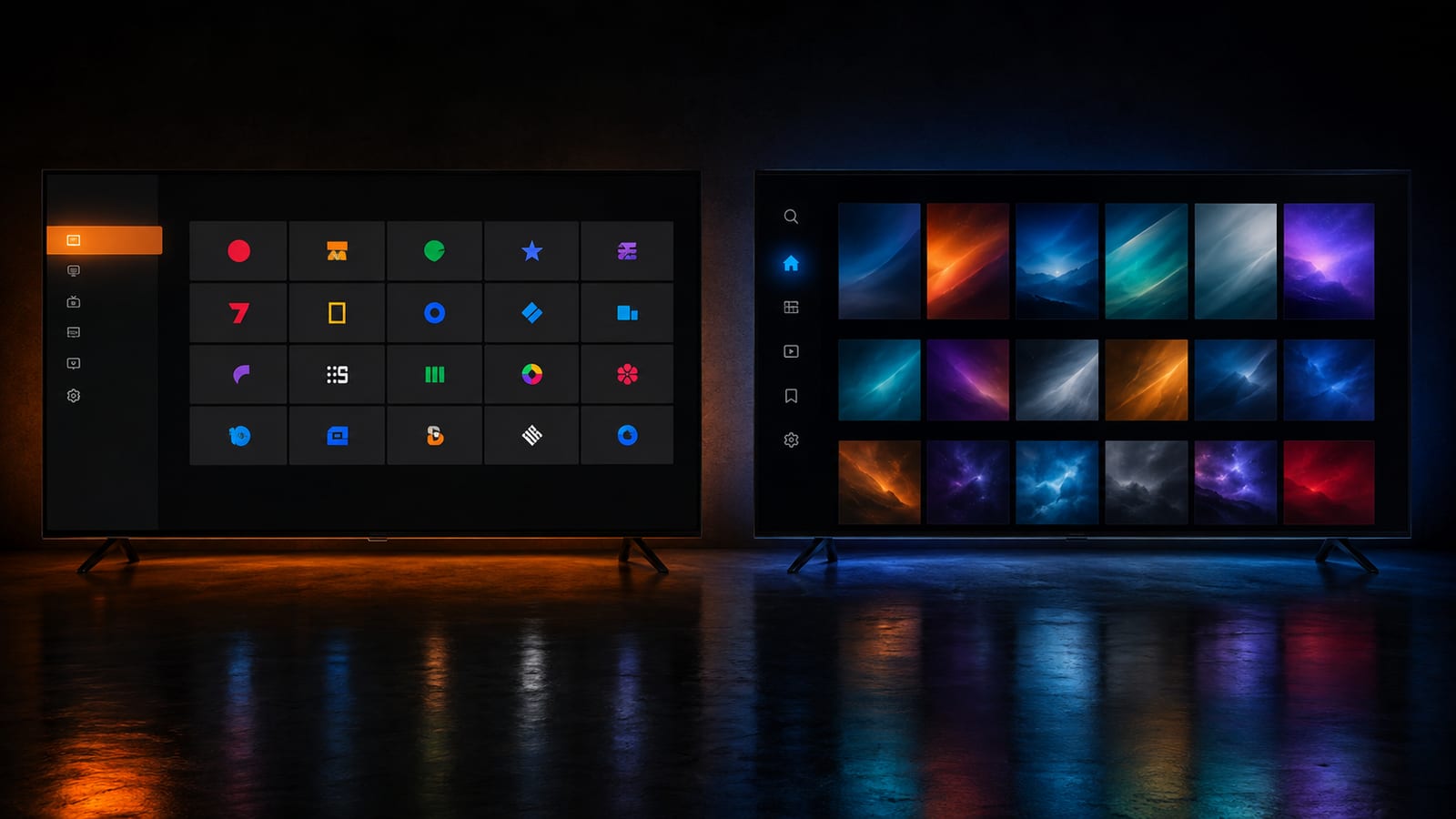
The quick verdict
TiviMate — for live TV on Android and Fire TV
IPTV Smarters Pro — for everything else
If your main screen runs Android TV or Fire OS and you mostly watch live channels, install TiviMate and stop reading. If you own an iPhone, an Apple TV, a Windows PC, or you watch more films than live TV, IPTV Smarters Pro is the better fit. Neither is a bad app — picking wrongly just means fighting your player instead of enjoying it.
What each player actually is
TiviMate
TiviMate was built by someone who clearly watches a lot of live television. Everything is arranged around the electronic programme guide: a dense, fast grid of channels and what is on them, with the currently playing channel in a small window in the corner. Channel switching is near-instant. The whole app is designed to be driven with a remote control, one thumb, from a sofa.
The trade-off is scope. It is Android-only — you can confirm the current platform list on its Google Play listing — its on-demand section is a plain list rather than a browsing experience, and some of the features people consider essential (recording, more than one playlist) sit behind an annual Premium licence.
IPTV Smarters Pro
IPTV Smarters Pro takes the opposite approach: be everywhere and do everything. It runs on Android, Android TV, Fire TV, iOS, Apple TV, Windows and macOS. It presents your subscription in three clear sections — Live TV, Movies and Series — and the on-demand areas look and feel like a mainstream streaming service, with posters, descriptions and season lists.
Its live TV experience is good rather than exceptional. The guide is functional but less dense than TiviMate's, channel switching is a beat slower, and there are fewer knobs to turn when a stream misbehaves. Its reach is the selling point: the iOS build on the App Store and the Android build share the same login flow, so setting it up for a relative over the phone is genuinely easier.
Platform support
This is the first filter, and for many households it decides the whole question before any feature comparison begins.
| Platform | TiviMate | IPTV Smarters Pro |
|---|---|---|
| Android TV boxes | Yes — best experience | Yes |
| Amazon Firestick / Fire TV | Yes — best experience | Yes |
| Android phone / tablet | Yes | Yes |
| iPhone / iPad | No | Yes |
| Apple TV | No | Yes |
| Windows / macOS | No | Yes |
| Samsung / LG Smart TV (native) | No | No — use a TV-native player |
Neither runs natively on a Samsung or LG TV
Tizen and webOS do not accept either app. On those televisions you use a TV-native player instead and register the device's MAC address with your provider. We cover that flow step-by-step on the supported devices page.
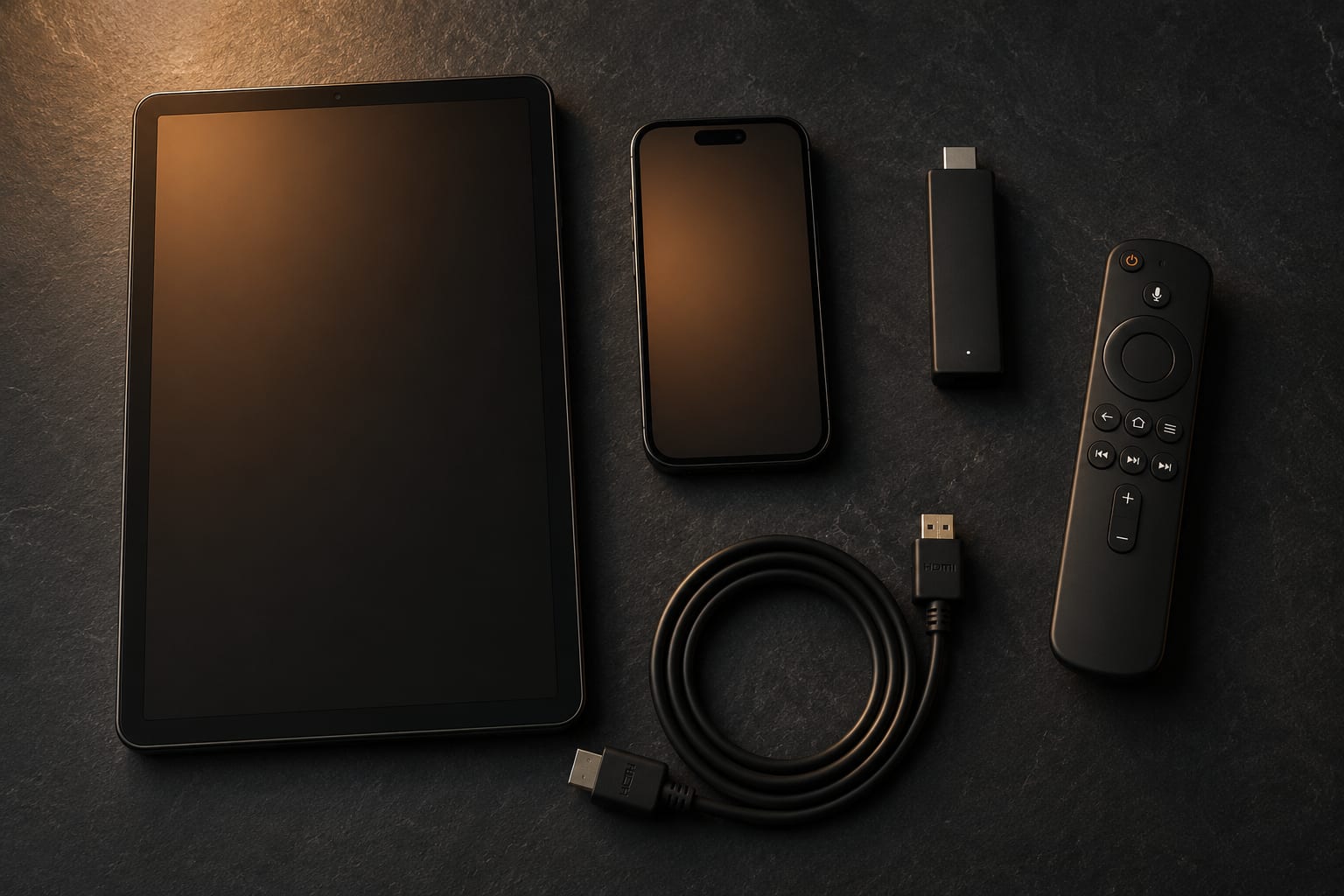
Interface and daily use
Feature lists rarely capture how an app feels after a month. Here is what actually differs day to day.
Channel switching. TiviMate is noticeably quicker. Flicking between three football matches during half-time is smooth in TiviMate and slightly laboured in Smarters. If you channel-hop, you will feel this every single evening.
Organisation. TiviMate lets you build custom channel groups, hide the thousands of channels you will never watch, and reorder what remains. Given that a full lineup runs to tens of thousands of channels — ours is around 40,000 — this is not a luxury. Smarters supports favourites but gives you less control over the overall structure.
Discovery. Smarters wins here decisively. Its Movies and Series sections present posters, synopses, ratings and seasons, so browsing feels like browsing a streaming service. In TiviMate, finding a specific film means knowing roughly what you are looking for.
The EPG, where it is won or lost
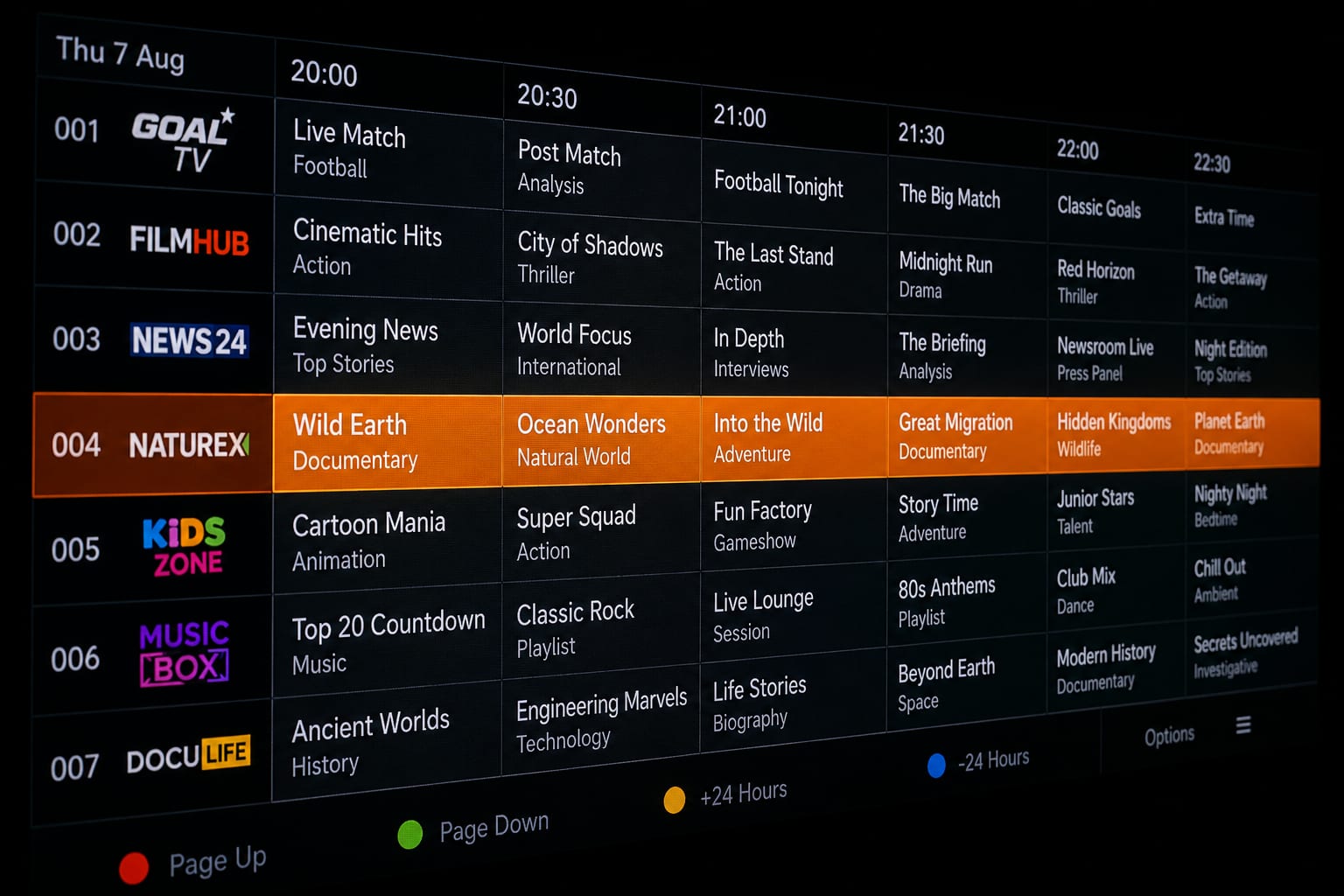
The electronic programme guide is what turns a list of streams into television. Both apps read the same guide data from your provider, but they present it very differently.
TiviMate's grid shows more channels and more hours on screen at once, scrolls fluidly, and lets you jump forward by day. It also handles imperfect data gracefully — where a channel's guide is missing, it degrades quietly rather than leaving a broken row.
Smarters presents a cleaner but shallower guide: fewer rows visible, less horizontal scrolling, and a stronger focus on what is on right now.
Guide problems are usually not the player's fault
If your guide is empty or shifted by an hour, the cause is nearly always the provider's EPG mapping or your device's timezone setting — not the app. Check the device clock first, then force a guide refresh, then ask your provider to remap the channel. Swapping players will not fix mis-mapped data.
Recording and catch-up
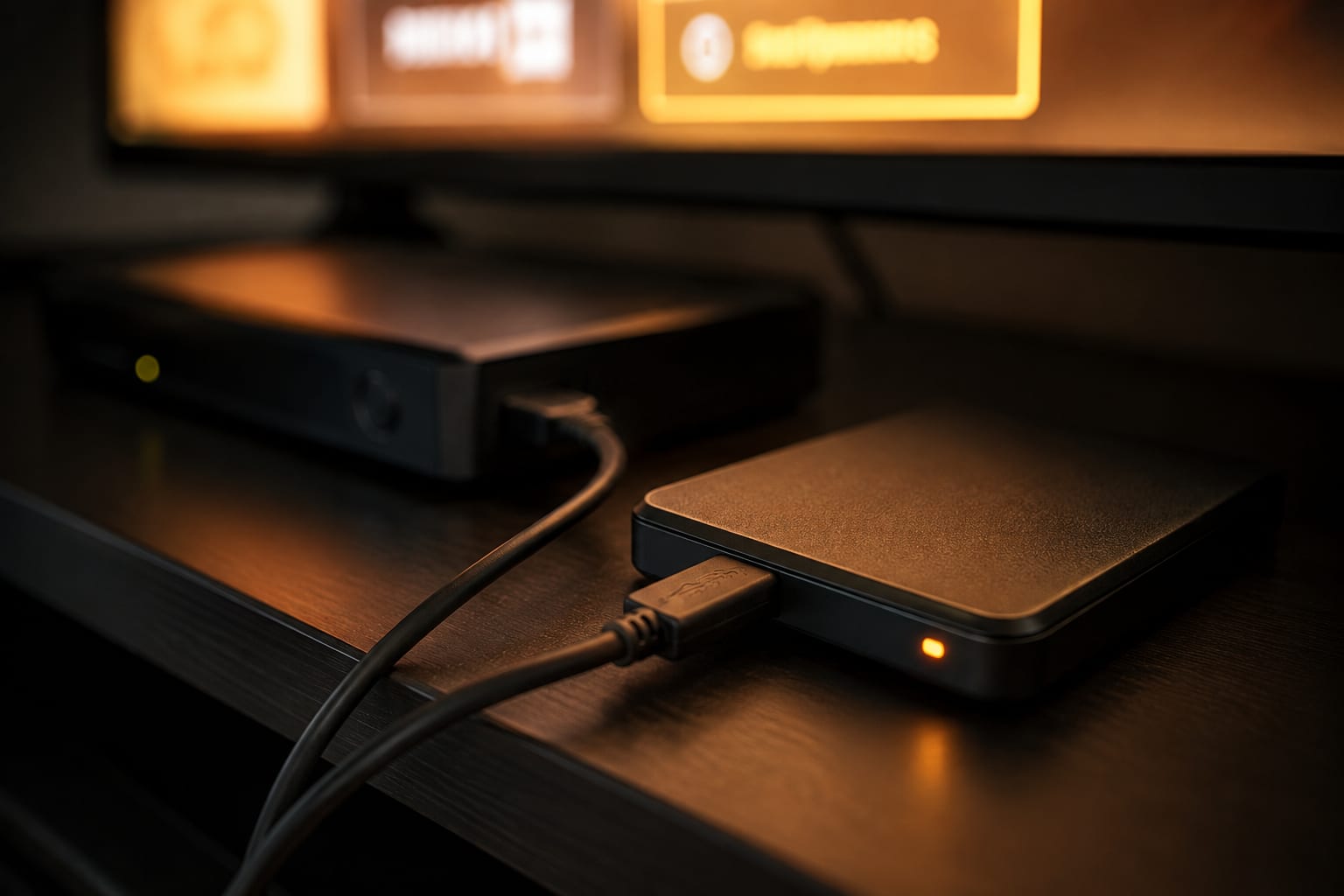
TiviMate Premium records live channels to internal or external storage and can schedule recordings from the guide, including series-style repeat recordings. On an Android TV box with a USB drive attached, this effectively turns your setup into a personal video recorder.
IPTV Smarters Pro includes basic recording in some builds, but it is less reliable and far less configurable. If recording matters to you, that alone decides the comparison.
Catch-up — rewinding a channel by hours or days — depends primarily on whether your provider supports it. Both apps expose it when the provider offers it; TiviMate's implementation is slightly more discoverable from the guide.
Multiple playlists and multiple devices
Running more than one subscription at once, or one subscription alongside a free channel list, requires multi-playlist support. In TiviMate that is a Premium feature. In IPTV Smarters Pro it is free — you can add several playlists and switch between them from the login screen.
On device count, neither app imposes a limit. What limits you is your subscription's simultaneous connection count: installing the app on five devices is fine, but playing five streams at once is not. Our plans include one or two connections depending on length, which is laid out on the pricing page.
What each one costs
| TiviMate | IPTV Smarters Pro | |
|---|---|---|
| Free tier | Yes — one playlist, no recording | Yes — full app |
| Paid tier | Premium, annual or lifetime | None for end users |
| Recording | Premium only | Limited, build-dependent |
| Multiple playlists | Premium only | Free |
| Custom channel groups | Premium only | Favourites only |
| Ads | None | None |
Judge the Premium licence against what you already pay for content. If your subscription costs around six dollars a month, an annual player licence is a fraction of that, and it removes the two limits most people run into first. If you only watch occasionally, the free tier is genuinely usable and not a crippled demo.
Buy from the official listing only
Search results are full of “unlocked” or “modded” builds of both apps. They are repackaged binaries of unknown provenance running on a device that holds your credentials. Install from Google Play, the Amazon Appstore or the developer's own site, and nothing else. Sideloading from a forum link is how people lose their subscription credentials.
Performance on a Firestick
Most readers of this comparison are running a Fire TV Stick, so it deserves its own section. The Firestick is a constrained device: a small Wi-Fi antenna, a modest processor and 1 to 2 GB of RAM depending on the model.
TiviMate is the lighter of the two. It starts faster, uses less memory and leaves more headroom for the video buffer — which matters on high-bitrate 4K sports feeds where a starved buffer means a frozen picture. Its granular buffer control also gives you a real lever when a stream gets difficult.
IPTV Smarters Pro carries more interface — poster art, artwork caching, three full sections — and that costs memory. On a 4K Max it is a non-issue. On a first-generation stick with 1 GB of RAM you will feel it.
Whichever you choose, the player is only one variable. If you are fighting stutter, our eleven fixes for Firestick buffering works through the rest of them in the order that resolves the most cases.

Which one should you pick?
Find the line that sounds most like you.
| If this is you | Install |
|---|---|
| Firestick or Android box, mostly live sport | TiviMate |
| You want to record matches and watch later | TiviMate Premium |
| You own an iPhone, iPad or Apple TV | IPTV Smarters Pro |
| You watch more films and series than live TV | IPTV Smarters Pro |
| You want one app across every device in the house | IPTV Smarters Pro |
| You run two subscriptions side by side | Smarters (free) or TiviMate Premium |
| You want the fastest possible channel switching | TiviMate |
| You are setting this up for a parent who is not technical | IPTV Smarters Pro |
There is also a perfectly sensible answer that most comparisons ignore: use both. TiviMate on the living-room television for live channels, IPTV Smarters Pro on phones and tablets for films. One subscription, two interfaces, each doing what it is best at.
One subscription. Any player you like.
40,000+ live channels and 170,000+ films and series in 4K, working in TiviMate, Smarters, MAG portals or anything else that speaks Xtream. Plans from $15.
Switching without losing your setup
Trying the other app costs you nothing but ten minutes, because your subscription is not tied to either one. The steps are the same in both directions:
- Find your activation email. You need three things: username, password and the portal or server URL.
- Install the other player from its official store listing and open it.
- Choose Xtream Codes login rather than M3U where the option exists. Xtream gives you the guide, categories and on-demand sections; a plain M3U link gives you a flat channel list.
- Let the guide sync fully once — usually one to three minutes — before judging the app. A half-synced guide makes any player look broken.
- Rebuild your favourites. This is the only part that does not transfer, and it is worth doing deliberately rather than importing thousands of channels you will never open.
Keep the old app installed until you are sure. There is no penalty for having both, and no reconfiguration needed if you change your mind.
Frequently asked questions
If you watch daily and care about recording, multiple playlists and a properly organised guide, yes — it is a small annual cost against the price of the subscription itself. If you watch a few hours a week and never record anything, the free tier of TiviMate or IPTV Smarters Pro covers you completely.
No. TiviMate is Android-only, which includes Android TV, Fire TV and Android phones and tablets. On iOS and Apple TV you need a different player — IPTV Smarters Pro is the usual choice because it exists on both platforms with the same login flow.
TiviMate, for two reasons: its channel switching is faster, and its buffer control is more granular, so you can trade a little switching speed for stability during high-bitrate matches. IPTV Smarters Pro is perfectly watchable for sport, it just gives you fewer levers when a stream gets difficult.
No. Your subscription is a set of credentials, not an app. The same Xtream username, password and portal URL work in any player, on any number of devices — your plan only limits how many streams play at the same time.
IPTV Smarters Pro. Its movies and series sections are laid out like a streaming service with posters, plots and season lists, and it handles subtitle tracks more comfortably. TiviMate is built around live TV first and its VOD section, while functional, is plainly secondary.
Yes, and plenty of people do — TiviMate on the TV for live channels, IPTV Smarters Pro on a phone or tablet for films. Just remember that each simultaneous stream counts against your plan's connection limit.
The bottom line
TiviMate is the better television. IPTV Smarters Pro is the better library. If you sit down in the evening, put on a match and leave it there, TiviMate will feel like it was built for you — because it was. If your household is a mix of iPhones, tablets and a laptop, and half your viewing is films, Smarters keeps everything consistent and saves you explaining a second interface to someone else.
Both work identically well with any properly configured subscription. If you have not chosen a provider yet, test one on your own hardware before you pay for anything — a free trial line takes minutes to set up and tells you more than any review, including this one.
The KiloTV support desk
Written by the same team that answers your messages at 2 a.m. Everything here comes from real tickets — the fixes that worked, in the order they usually work. Something still not right? Message us on WhatsApp.